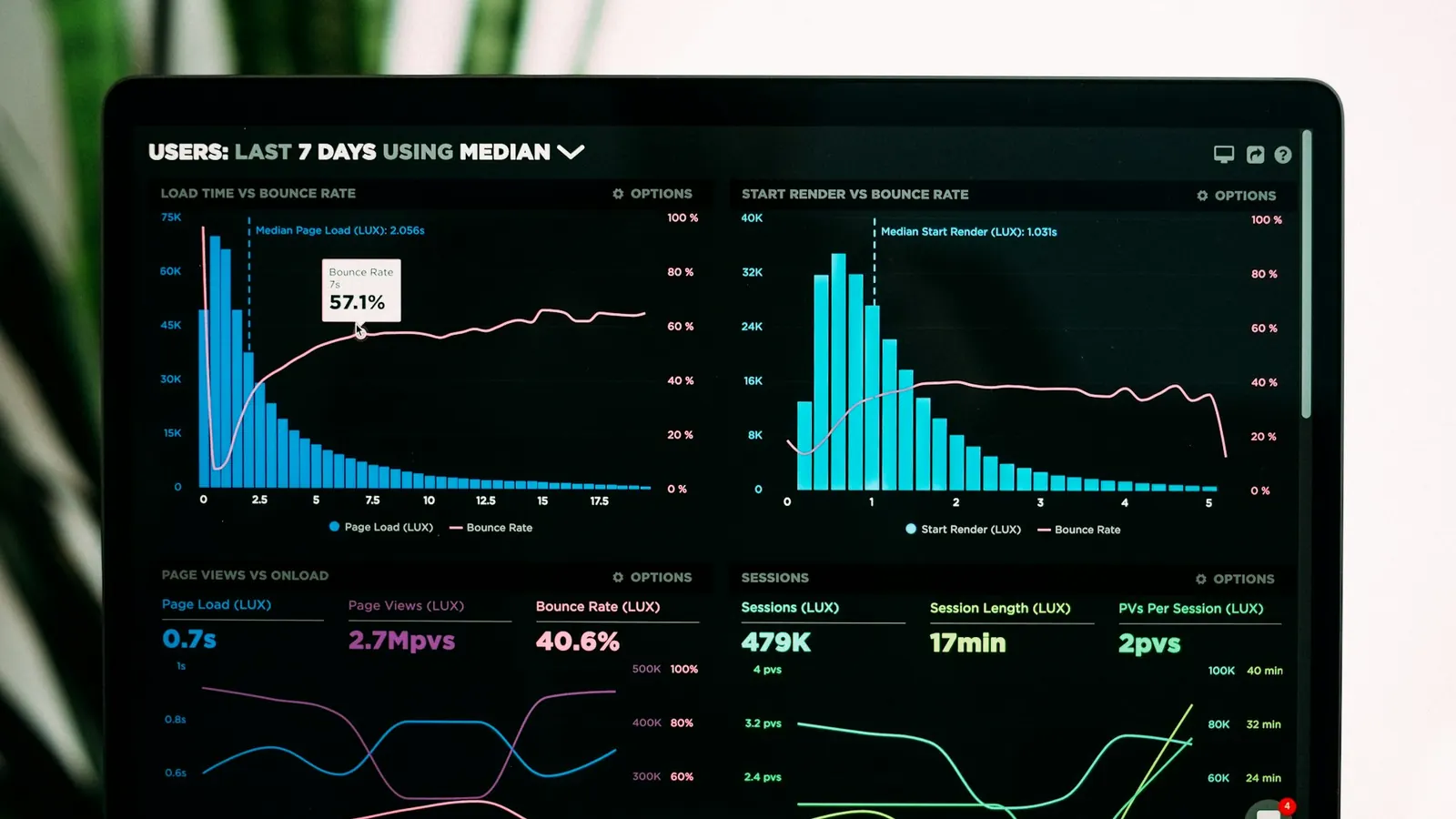
One philosophy builds up from a working baseline; the other builds down from an ideal experience. The difference decides what happens when JavaScript fails, a network drops, or a browser is old.
A surprising amount of real-world web traffic hits a site under conditions no developer tested against: a JavaScript bundle that fails to load because of a flaky mobile connection, a corporate network that blocks a third-party script, a browser extension that interferes with page scripts, an older device that can't parse a newer syntax feature. What a site does in those moments — total failure, a blank white screen, or a functional-if-plainer experience — is decided almost entirely by which of two design philosophies shaped the build, usually without anyone on the team explicitly choosing one.
Two different starting points, same underlying goal
Progressive enhancement starts from a minimal, functional baseline — semantic HTML that works with no CSS and no JavaScript at all — and then layers on enhancements (styling, interactivity, animations) for browsers and conditions capable of supporting them. The baseline is never actually broken; it's just plainer. A form built this way submits correctly via a standard HTML form POST even if the JavaScript that would normally intercept it and submit via fetch never loads.
Graceful degradation starts from the opposite end: build the full, rich experience first, then add fallback handling for cases where something isn't supported, so the experience "degrades" as gracefully as possible rather than breaking outright. A video player built this way targets modern browsers with full custom controls first, then adds a fallback to the browser's native <video> controls, or a download link, for browsers that can't run the custom player.
Both approaches aim at the same outcome — a site that doesn't completely fail under imperfect conditions — but they arrive at it from opposite directions, and that difference in starting point has real consequences for how robust the result actually is in practice.
Why the direction you start from matters
The practical difference shows up in what happens when something goes wrong that nobody explicitly planned for. A progressively enhanced page's baseline is tested by construction — it's literally the first thing built, so it necessarily works, because everything after it is additive. A gracefully degraded page's fallback path is usually built after the primary experience, added as an afterthought for known unsupported cases, which means it only covers the cases the team thought to test. An edge case nobody anticipated — a script blocked by a browser extension, a CSS feature silently unsupported in a WebView embedded in a social media app, a JavaScript error in an unrelated third-party script that halts the whole page's script execution — has a real chance of falling through a gracefully-degraded site's untested gaps, while a progressively enhanced site's baseline simply keeps working because it never depended on the enhancement in the first place.
This is why progressive enhancement is generally considered the more resilient default for content and functionality that genuinely matters — checkout flows, sign-up forms, navigation, anything where failure has a real cost. Graceful degradation remains a completely reasonable choice for genuinely optional enhancements — a parallax scroll effect, a hover animation, a decorative canvas background — where "doesn't work in some rare case" is a fully acceptable outcome because nothing of substance is lost.
What progressive enhancement looks like in real code
The pattern shows up most concretely in three places:
Forms. A form's HTML should include a valid action and method attribute that submits correctly as a standard form POST, with client-side JavaScript then intercepting that submission to handle it via fetch, show inline validation, and update the page without a full reload — as an enhancement on top of, not a replacement for, the working baseline. If the JavaScript fails to load, the form still submits and the server still processes it; the user just gets a full page reload rather than a smooth in-page update.
Navigation and links. Real <a href> elements that point to real, working URLs, with JavaScript intercepting clicks for smooth client-side routing where supported. This is more or less how every serious modern framework (React Router, Next.js's routing) already works under the hood — the underlying links are real and functional independent of the JavaScript router — but it's easy for a team building custom interactive components to accidentally lose this by binding navigation to a <div onClick> instead of an actual anchor tag, which breaks middle-click-to-open-in-new-tab, breaks link previews, and breaks navigation entirely if the JavaScript hasn't finished loading yet.
Images and media. A <picture> element with appropriately ordered <source> fallbacks, or a plain <img> with a sensible alt and src, works with zero JavaScript and even with images disabled, before any lazy-loading or format-negotiation enhancement layers on top.
Where graceful degradation is the right call
Not every feature deserves the discipline of a from-scratch functional baseline, and treating every single UI element that way would slow delivery for benefits nobody will notice. Purely decorative interactivity — a subtle parallax effect on scroll, a canvas-based background animation, a hover-triggered micro-interaction — is exactly the right place for graceful degradation: build the rich version for capable browsers, and simply do nothing (or show a static equivalent) where it's unsupported, without spending engineering effort building a fully-featured fallback for something nobody's core task depends on.
The practical dividing line worth applying to any given feature: if it failing silently would cost a user the ability to complete a real task (submit a form, complete a purchase, navigate the site, read the core content), it deserves a progressive-enhancement-built baseline. If it failing silently just means a slightly less polished visual experience with zero loss of function, graceful degradation is the more efficient use of engineering time.
Why this still matters in an age of fast phones and fast networks
It's tempting to assume this discipline mattered more in the era of 3G networks and underpowered feature phones, and less now that most users carry capable smartphones on reasonably fast connections. Two things push back against that assumption. First, "most users" hides a lot of real variance — rural connectivity, congested conference-venue Wi-Fi, in-flight internet, and international roaming all still produce genuinely slow or unreliable conditions for a meaningful slice of any site's real traffic, and those are exactly the moments a resilient baseline matters most, precisely because they're unplanned rather than a permanent characteristic of a user's device. Second, JavaScript failure isn't only a network problem — a third-party script conflict, a browser extension that blocks a specific script, or an unrelated JavaScript error elsewhere on the page halting execution can all break a JavaScript-dependent feature on a fast connection with a modern device, for reasons that have nothing to do with network speed at all.
Testing for resilience, not just for the happy path
Most teams test a site under exactly the conditions it was built in — a fast office Wi-Fi connection, a recent browser, JavaScript fully enabled — which is precisely the one condition where the difference between progressive enhancement and graceful degradation is invisible, because everything works either way. Actually verifying resilience means deliberately testing outside that comfortable default: disabling JavaScript entirely in browser dev tools and confirming forms still submit and navigation still works, throttling the network to a slow 3G profile to see what a genuinely constrained connection experiences, and testing with a screen reader to catch cases where a visually-fine interaction has no non-visual equivalent at all. None of this needs to happen on every single page for every release — reserving it for the load-bearing flows identified earlier (checkout, sign-up, core navigation) keeps the testing cost proportionate to what's actually at stake if those specific flows fail.
The accessibility connection
Progressive enhancement and web accessibility overlap substantially, though they're not the same thing. Semantic HTML — real <button> elements instead of styled <div>s, real form labels, a logical heading structure — is both the progressive-enhancement baseline and what screen readers and other assistive technology depend on to correctly interpret a page. A site built with the progressive-enhancement discipline of "make the plain HTML actually work first" tends to arrive at a substantially more accessible baseline almost as a side effect, because the same semantic correctness that makes a page work with JavaScript disabled is what makes it interpretable by assistive technology. This isn't a substitute for deliberate accessibility work (see our companion piece on WCAG 2.2 compliance for what that actually requires), but it's a genuinely reinforcing habit rather than a competing one.
Performance is a third beneficiary
A progressively enhanced page's baseline is, by definition, lightweight — plain HTML and minimal CSS, with the heavier JavaScript-driven enhancements loading afterward rather than blocking the initial render. This lines up naturally with modern performance best practices: get meaningful content on screen fast, then layer in interactivity, rather than shipping a large JavaScript bundle that must fully load and execute before anything useful appears. A site built enhancement-first tends to have a faster meaningful first paint essentially for free, because the fast, simple version is the actual starting point rather than a separately-optimized afterthought.
Choosing a default for a real project
For the majority of a typical business website or web application — content pages, forms, navigation, checkout, account flows — progressive enhancement should be the default working assumption, not a special add-on requested for a specific feature. It costs relatively little discipline to build a form or a nav menu with a working non-JavaScript baseline from the start, and it costs considerably more to retrofit that resilience after the fact, once a codebase has grown dependent on JavaScript-only patterns everywhere.
Graceful degradation earns its place specifically for genuinely decorative or non-critical enhancements, where building a fully-tested fallback path for every unsupported scenario would spend more engineering effort than the feature's importance justifies. The practical approach that serves most projects well is treating progressive enhancement as the default posture for anything load-bearing, and reserving graceful degradation deliberately, feature by feature, for the parts of a site where losing the enhancement genuinely costs nothing.
A quick way to audit an existing site
For a site that's already built, a useful first-pass audit doesn't require a rebuild to run: open the site with JavaScript disabled in browser dev tools and walk through the handful of flows that actually matter to the business — can a visitor still read the core content, still find contact information, still submit the primary form (a quote request, a sign-up, a booking inquiry). Anywhere that produces a blank page, a broken layout, or a form that silently does nothing on submit is a concrete, prioritizable finding rather than an abstract principle, and it's usually a far smaller fix than it sounds — often a matter of adding a real action attribute to a form or swapping a <div onClick> for a proper <button>, not a rewrite of the feature itself.