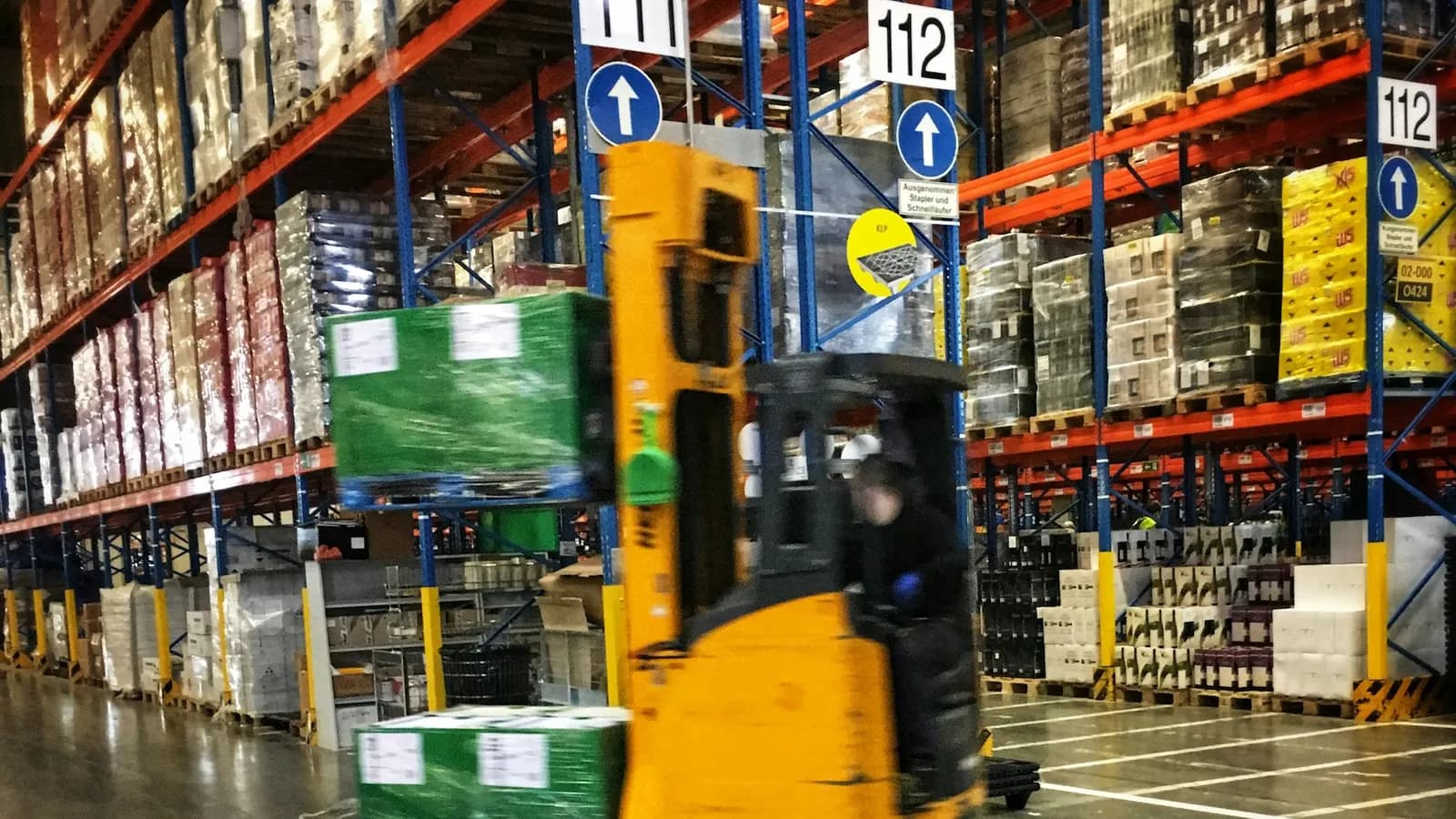
Most logistics operations still run on a patchwork of spreadsheets, WhatsApp messages, and a dispatcher's memory — custom software earns its keep by replacing exactly that patchwork.
A surprising number of logistics operations — regional trucking companies, last-mile delivery fleets, freight brokers, warehouse-to-door distributors — run their day-to-day coordination through a mix of spreadsheets, phone calls, and WhatsApp group chats, held together by one or two people who happen to remember which driver is where and which order is late. This works, in the sense that goods do eventually get delivered, but it scales terribly and fails invisibly: a dispatcher on vacation, a spreadsheet with a broken formula, a message buried in a group chat with forty unread notifications. Custom logistics software exists to replace that fragile coordination layer with something that doesn't depend on any one person's memory.
Off-the-shelf tools solve the generic 80%, not the specific 20% that actually differentiates a business
There's no shortage of general-purpose fleet management and logistics platforms on the market, and for a lot of standard needs — basic GPS tracking, generic route suggestions — they work fine. Where they consistently fall short is the last 20% that's specific to how a particular operation actually runs: a unique multi-stop delivery sequencing rule, a specific way regional zones are priced, an unusual handoff process between owned fleet and third-party carriers, a client-specific reporting format a major account requires. Off-the-shelf software forces the business to adapt its process to the tool's assumptions. Custom software goes the other direction — it's built around how the business actually operates, which is usually the reason that business is competitive in the first place.
The right call between "buy" and "build" usually comes down to how much of the value in the business lives in that specific 20%. A company whose main edge is operational efficiency in a way competitors haven't figured out is exactly the kind of business where a generic tool quietly caps how good that efficiency can get.
Real-time tracking is table stakes now, not a differentiator
Customers and shippers have been trained by consumer delivery apps to expect a live, accurate view of where their shipment is, and "we'll call you when it's close" no longer meets that bar. Building this well involves more than a map with moving dots — it requires reliable GPS data ingestion from vehicles or driver devices, sensible handling of gaps in connectivity (a truck losing signal in a tunnel or rural stretch shouldn't show as "stopped" or throw an error), and a customer-facing view that's simple and reassuring rather than a raw data dump. The dispatcher-facing version of the same data needs to go further — flagging deviations from an expected route or timeline automatically, rather than requiring someone to notice manually.
Route optimization is a genuinely hard problem worth solving properly
Multi-stop route optimization — figuring out the most efficient sequence and grouping of deliveries across a fleet, factoring in time windows, vehicle capacity, driver hours, and traffic — is mathematically complex enough that reinventing it from scratch rarely makes sense. The pragmatic approach is usually building custom software around proven routing engines and mapping APIs, with the custom layer handling the business-specific rules: which orders can be combined, which customers have strict delivery windows, how driver breaks factor into route length, how a last-minute urgent order gets slotted into an already-optimized route without unraveling the whole day's plan.
Done well, this is where custom software pays for itself fastest — even a modest reduction in total miles driven or stops per route compounds into real fuel, time, and labor savings at fleet scale, in a way that's very hard to capture through manual dispatching no matter how experienced the dispatcher is.
Dashboards need to answer different questions for different roles
A dispatcher, a warehouse manager, and a company owner are all looking at the same underlying operational data, but they need entirely different views of it. A dispatcher needs a real-time, action-oriented view: which drivers are behind schedule right now, which orders need reassignment, where today's exceptions are. A warehouse or operations manager needs throughput and capacity views: how much volume is moving through which facility, where bottlenecks are forming. An owner or executive needs trend-level views: cost per delivery over time, on-time delivery rate by region, which routes or clients are actually profitable once real operating cost is accounted for.
Building one generic dashboard and hoping it serves all three tends to satisfy none of them — the fix is usually role-based views built on the same underlying data, each surfacing exactly what that role needs to act on without wading through irrelevant detail.
Integration is often the real project, not the visible feature
The visible parts of logistics software — the map, the dashboard, the tracking link a customer receives — are usually the smaller half of the actual engineering work. The larger half is integration: pulling orders in from a client's e-commerce platform or ERP, syncing with accounting software for invoicing, connecting to carrier APIs for last-mile partners, and keeping all of it consistent when any one system changes. A logistics software project that underestimates this integration layer tends to run into its biggest delays here, not in the tracking or routing features themselves — so scoping this honestly upfront matters more than it does in most other categories of custom software.
Exception handling matters more than the happy path
In logistics specifically, software that only handles the smooth, on-time, nothing-went-wrong scenario well isn't actually solving the hard part of the job — the hard part is what happens when a delivery is delayed, a vehicle breaks down, an order needs to be split across two trucks, or a customer isn't available at the delivery window. Systems designed around the assumption that things go right create more manual workarounds than they eliminate, because dispatchers end up falling back to phone calls and spreadsheets the moment reality deviates from plan — which, in logistics, is most days. Custom software earns real trust from an operations team when it handles the messy exception cases at least as gracefully as the clean ones.
Driver-facing software needs to be simple, not comprehensive
It's tempting to build a feature-rich driver app that surfaces everything dispatch can see. In practice, drivers are usually managing a vehicle, a phone, and a physical delivery simultaneously, often with limited connectivity — and the driver-facing interface that works best is deliberately minimal: today's stops in order, one-tap status updates, clear directions, and a simple way to flag a problem. Comprehensive is a dispatcher-side value; simple and fast is a driver-side value, and conflating the two produces software drivers actively avoid using.
How we approach logistics software projects
When we take on a custom software project in logistics, the first real work is mapping the specific operational rules and exceptions that make this business different from a generic template — because that's almost always where the actual value of custom software lives. From there, it's building role-appropriate views rather than one dashboard for everyone, treating third-party integrations as core scope rather than an afterthought, and designing explicitly for the messy exception cases that spreadsheets and phone calls are currently patching over.
Data becomes a real asset only once it's structured, not just collected
Most logistics operations already generate enormous amounts of operational data — GPS pings, delivery timestamps, fuel and mileage logs, customer feedback — but a huge share of it sits scattered across systems that don't talk to each other, which means it never actually gets used to improve decisions. Custom software's real long-term value often isn't the dashboard a team looks at today, it's the structured, centralized dataset that becomes possible once tracking, routing, and order data all flow through one coherent system. A year or two in, that structured history is what makes it possible to answer questions that were previously guesswork: which routes are actually profitable once real fuel and labor cost is factored in, which clients generate disproportionate exception-handling overhead relative to their revenue, where recurring delays cluster by time of day or region.
This is worth planning for from the start of a build, even if the immediate features don't require it — designing the underlying data model to capture clean, structured records now saves a painful migration or a permanently incomplete historical dataset later.
Scalability planning prevents an expensive rebuild in eighteen months
A common and costly mistake in logistics software projects is building specifically for the fleet size and order volume a company has today, without any thought for what happens at double or triple that scale. A routing or tracking system that performs fine with twenty vehicles can behave very differently at two hundred, particularly around database query performance, real-time update frequency, and how gracefully the dispatcher-facing interface handles a much larger set of simultaneous active deliveries. Planning for this doesn't mean over-engineering for a hypothetical future on day one — it means making deliberate architectural choices (how data is queried and indexed, how real-time updates are delivered, how the system is structured to add capacity) that don't require a ground-up rewrite the moment the business succeeds at growing.
Offline and low-connectivity resilience is a logistics-specific requirement
Unlike most business software, logistics systems have to function well in genuinely poor connectivity conditions as a normal, expected part of daily operation — a delivery driver in a rural area, an underground loading dock, or a warehouse with patchy wifi coverage. Software that simply fails or shows a blank error screen when connectivity drops creates real operational disruption, not just a minor inconvenience. Building deliberate offline tolerance — queuing status updates locally until connectivity returns, giving drivers a way to keep working through a temporary signal gap, clearly distinguishing "no update yet" from "something is wrong" in the dispatcher view — is the kind of unglamorous engineering work that determines whether a system actually holds up in daily field conditions versus only working well in a demo on office wifi.
Change management matters as much as the software itself
A new logistics system, however well built, is asking dispatchers and drivers who've built years of workaround habits around spreadsheets and phone calls to trust a new process instead. Rolling out custom software without a deliberate transition plan — training, a period of running the new system alongside the old process, a clear channel for reporting friction early — often produces more resistance and slower adoption than the software's actual quality would predict. The technical build is usually the easier half of a successful logistics software rollout; getting a skeptical, busy operational team to actually trust and adopt it is frequently the harder half, and it deserves real planning rather than being treated as an afterthought once the software ships.
The goal isn't software that looks impressive in a demo — it's software that survives a driver losing signal, a client's order system going down mid-day, and a dispatcher who's out sick, without the whole operation falling back on someone's memory to hold it together.